Skip to content
v0.17.7What's new

The multiplexer for the agent era.

Run Claude Code, Codex, and other coding agents side by side. Return to their sessions and review their changes in a native interface.

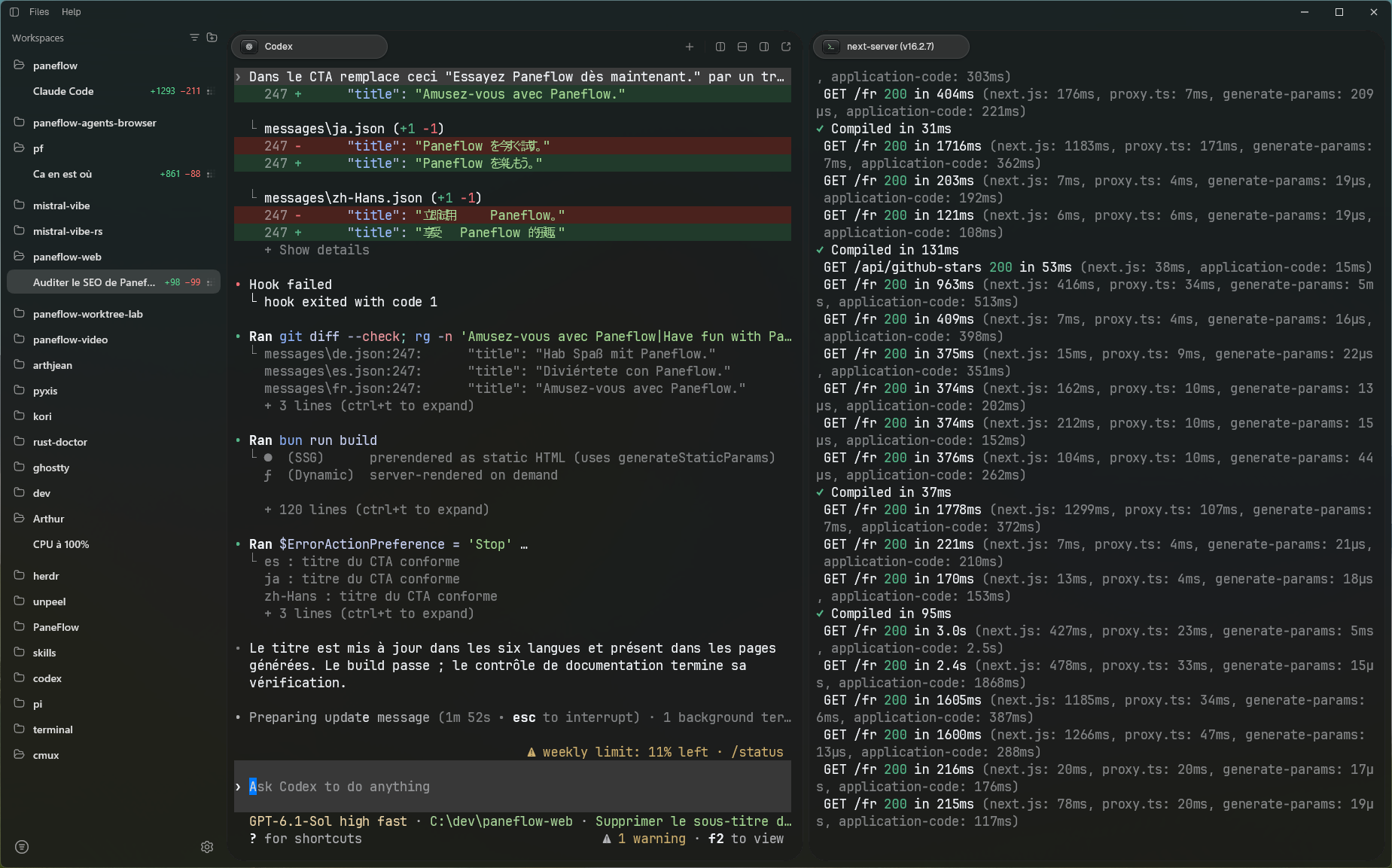
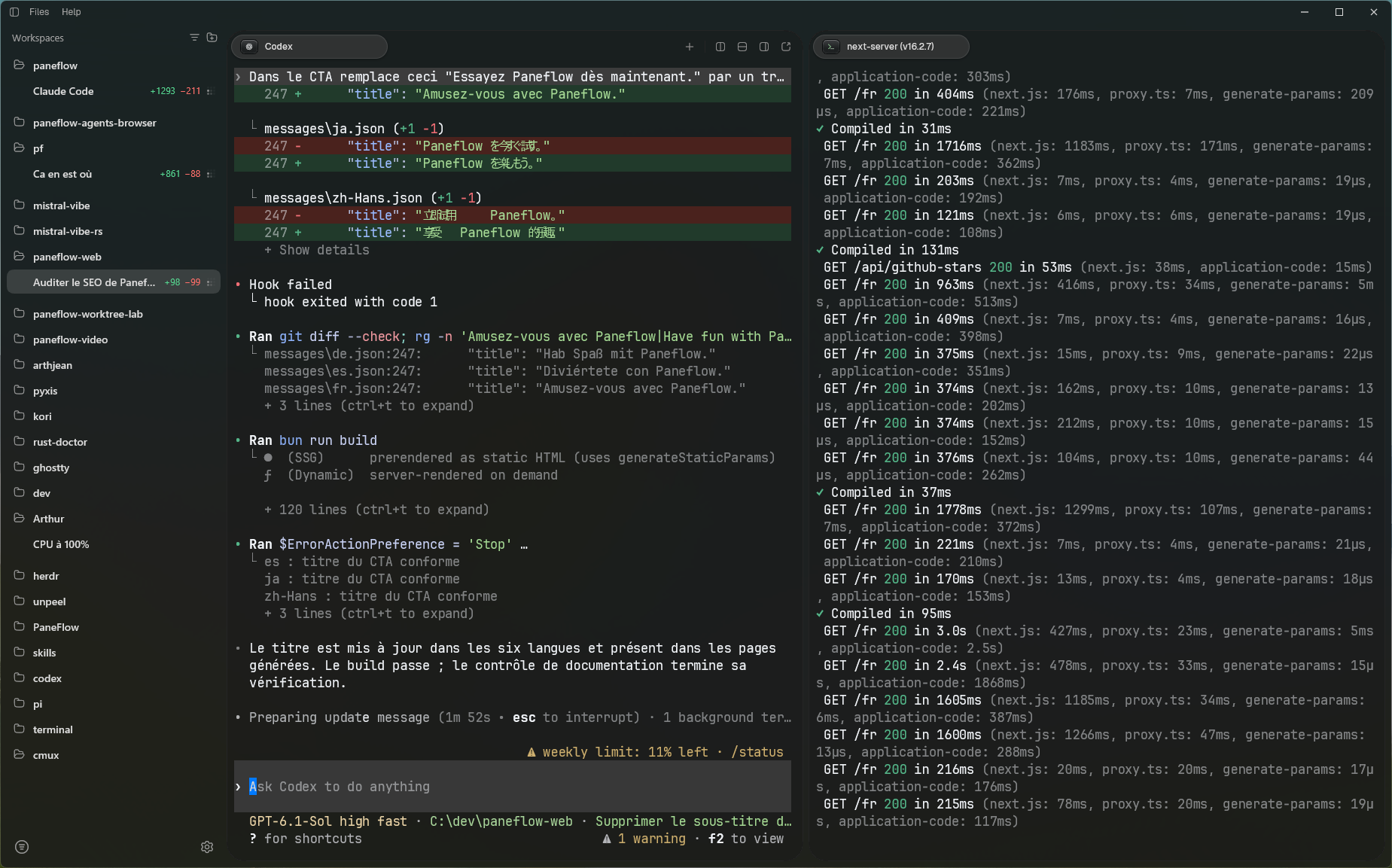
Paneflow with repositories and sessions in the sidebar, Codex in one terminal pane, and a Next.js development server in a second pane

01Sessions

Claude Code and Codex integrations show when an agent is working, needs your input, or has finished. Your sessions keep running even if the interface crashes. Choose Keep sessions running when you quit to leave agents working in the background, then reconnect when you reopen Paneflow. Use Git worktrees within one workspace to work on several repository tasks in parallel.
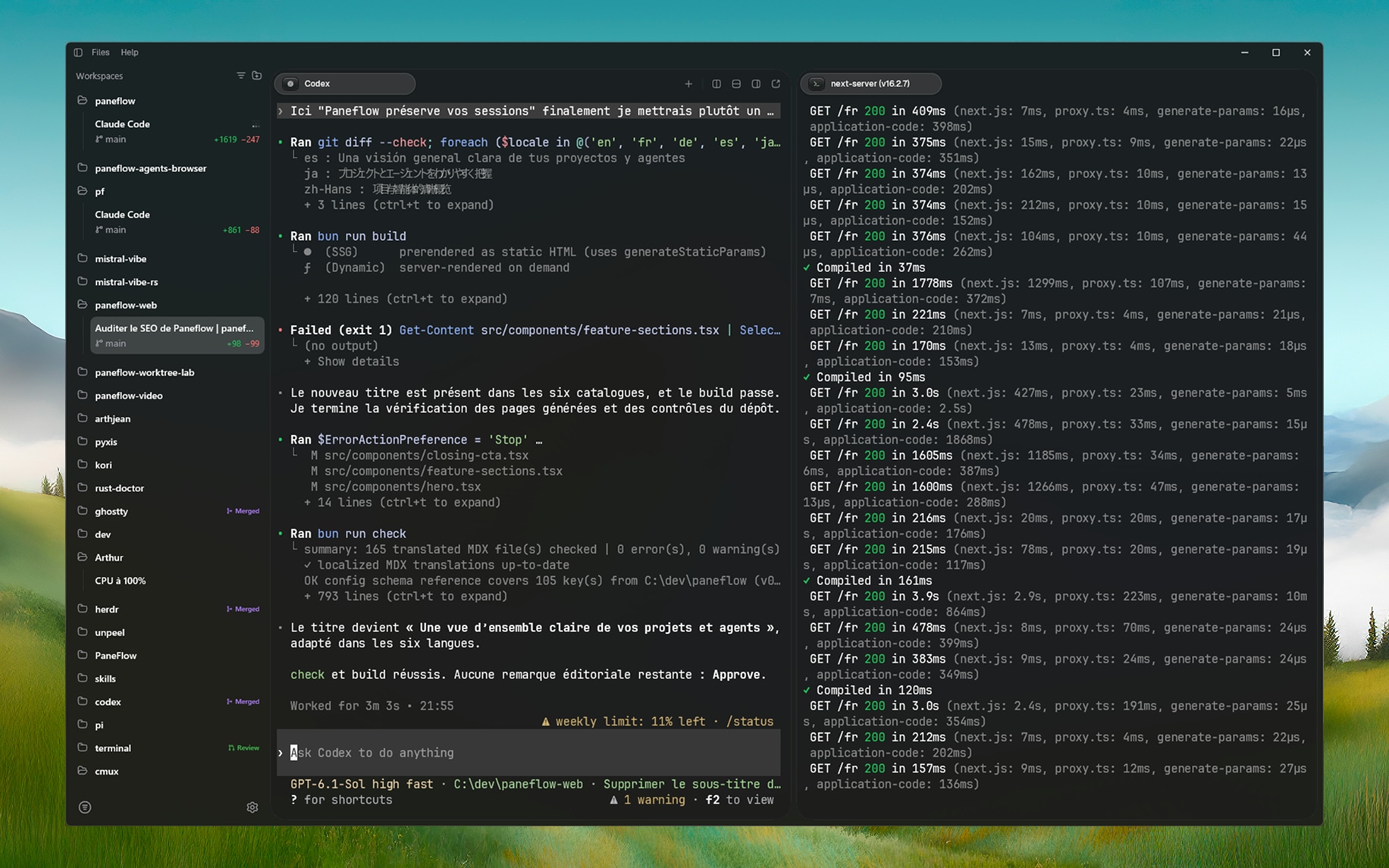
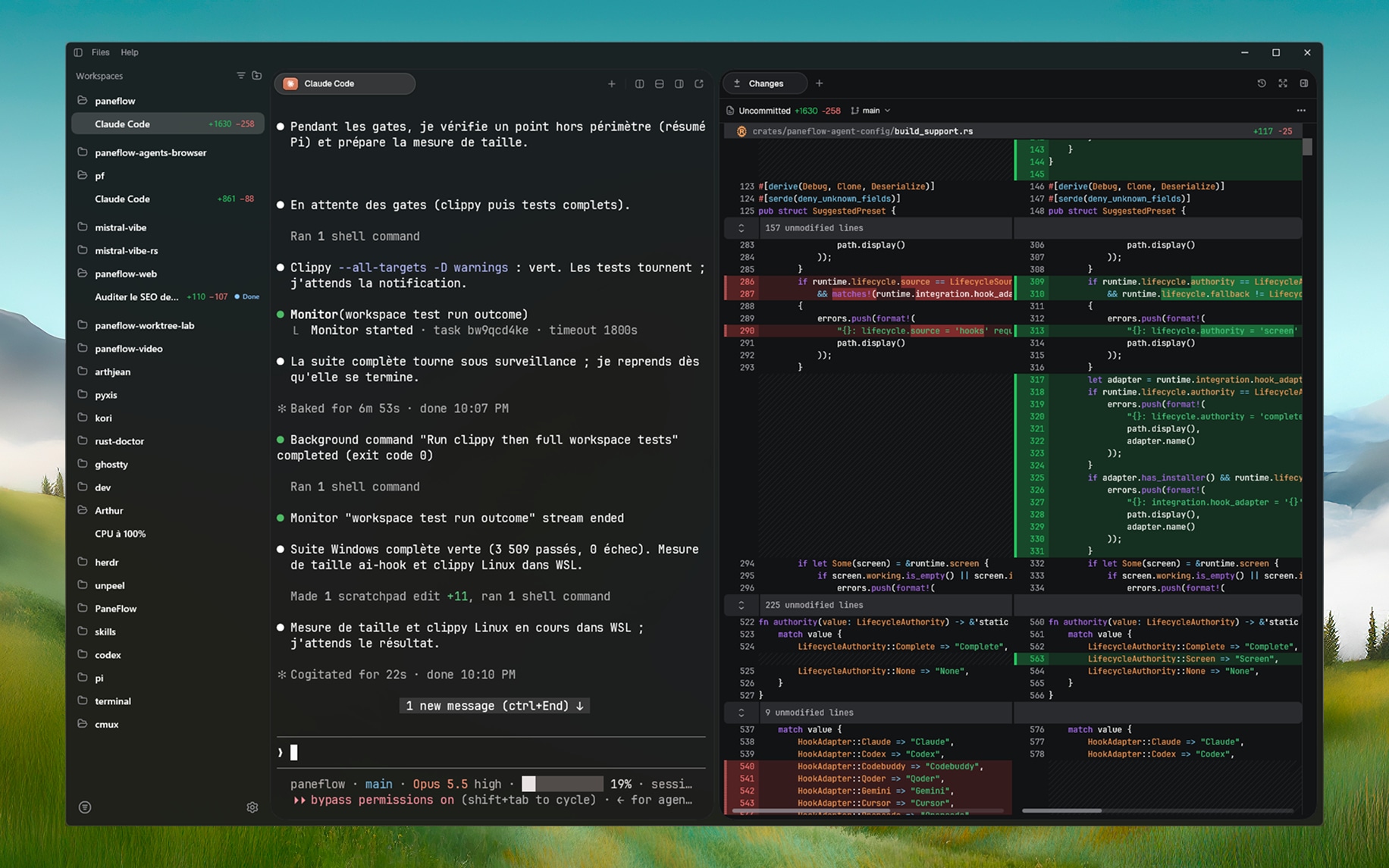
Paneflow with several repositories and sessions in the sidebar, Codex in one terminal pane, and a Next.js development server in a second pane

02Changes tab

Review what your agents changed

Review repository changes since the last commit in Changes, including new files. Compare code side by side or in unified view, see word-level differences, and filter whitespace changes. Revert a block in a modified file without undoing the other changes.

Paneflow dock open on the Changes tab: a split diff of Rust files with changed lines highlighted, next to a Claude Code pane

03Files tab

A minimal, fast code editor

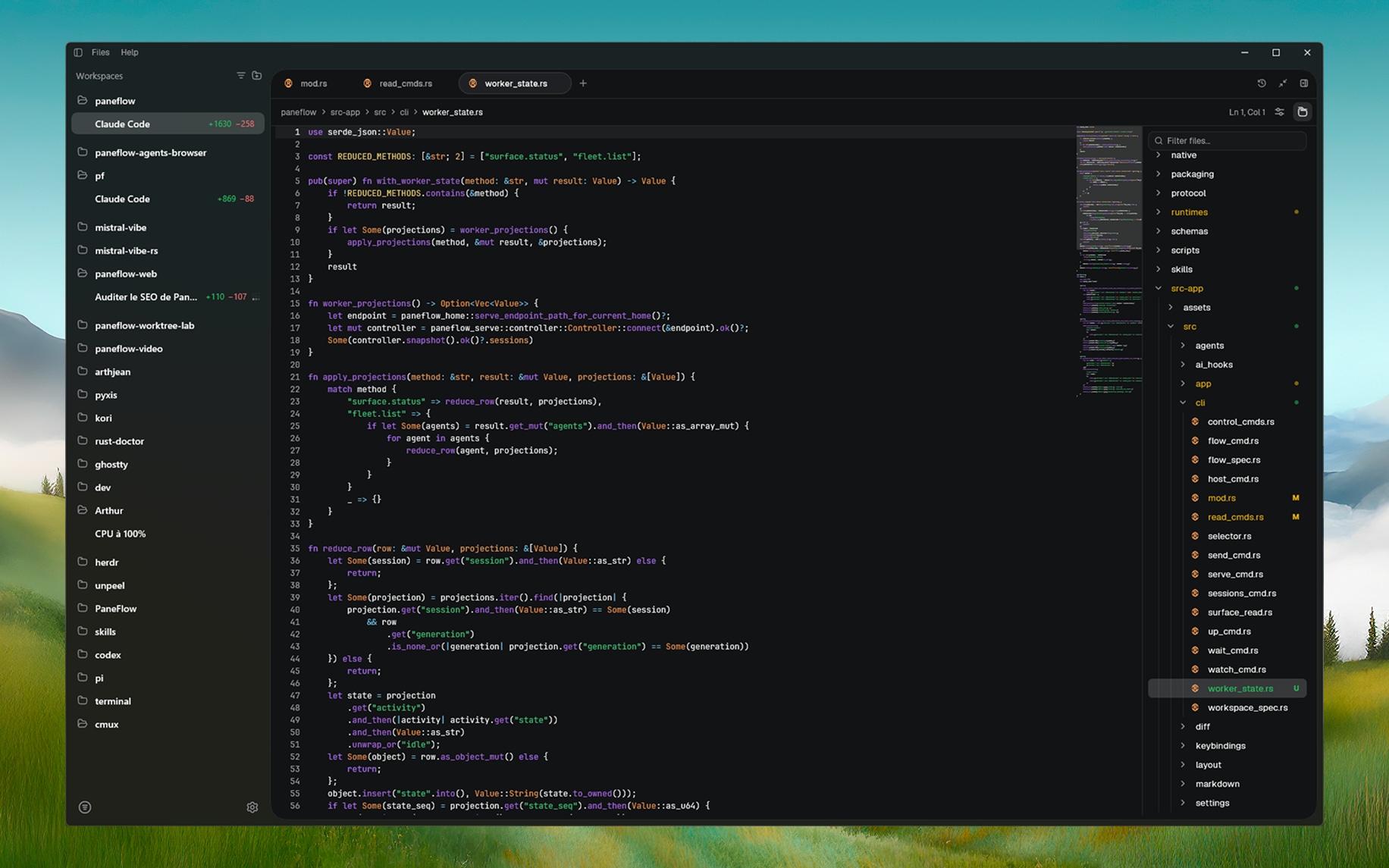
Read your code or edit a file without opening an IDE. In the Files tab, open, edit, and save project files with syntax highlighting, a minimap, and Git markers. Select a marker to read, copy, or restore the previous text.

Paneflow editor with worker_state.rs open, syntax highlighting, a minimap, file tabs, and the file tree with its filter on the right

04MCP bridge

Your agents can communicate with each other

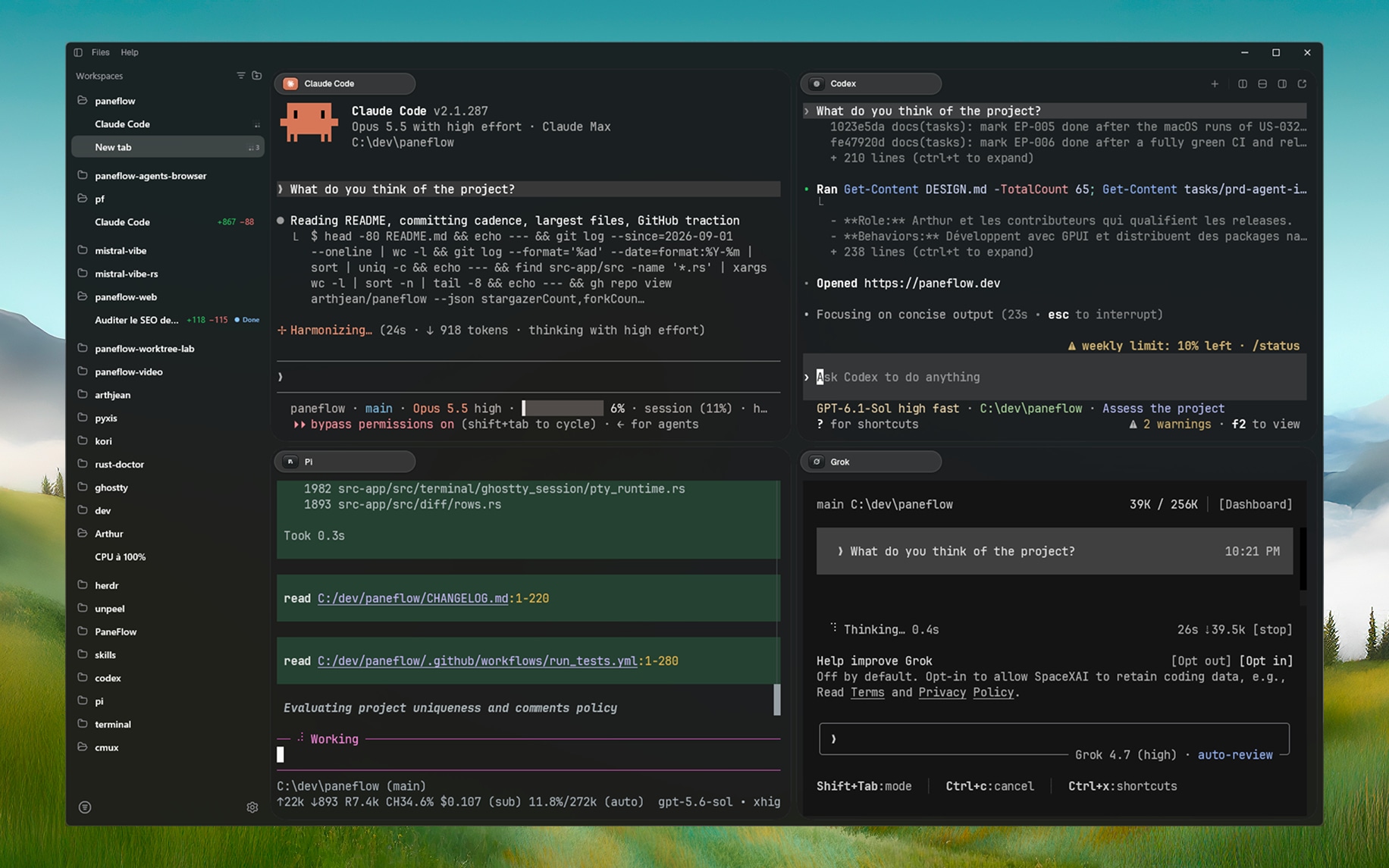
Run Claude Code, fx, Codex, Gemini, opencode, Pi, or your other CLI tools in Paneflow. The read-only MCP bridge lets agents read and search output from other panes, without copying and pasting between terminals. Enable automation to send instructions, control panes, and run your workflows with the paneflow CLI.

Claude Code, Codex, Pi, and Grok in four panes of one Paneflow workspace, each evaluating the project